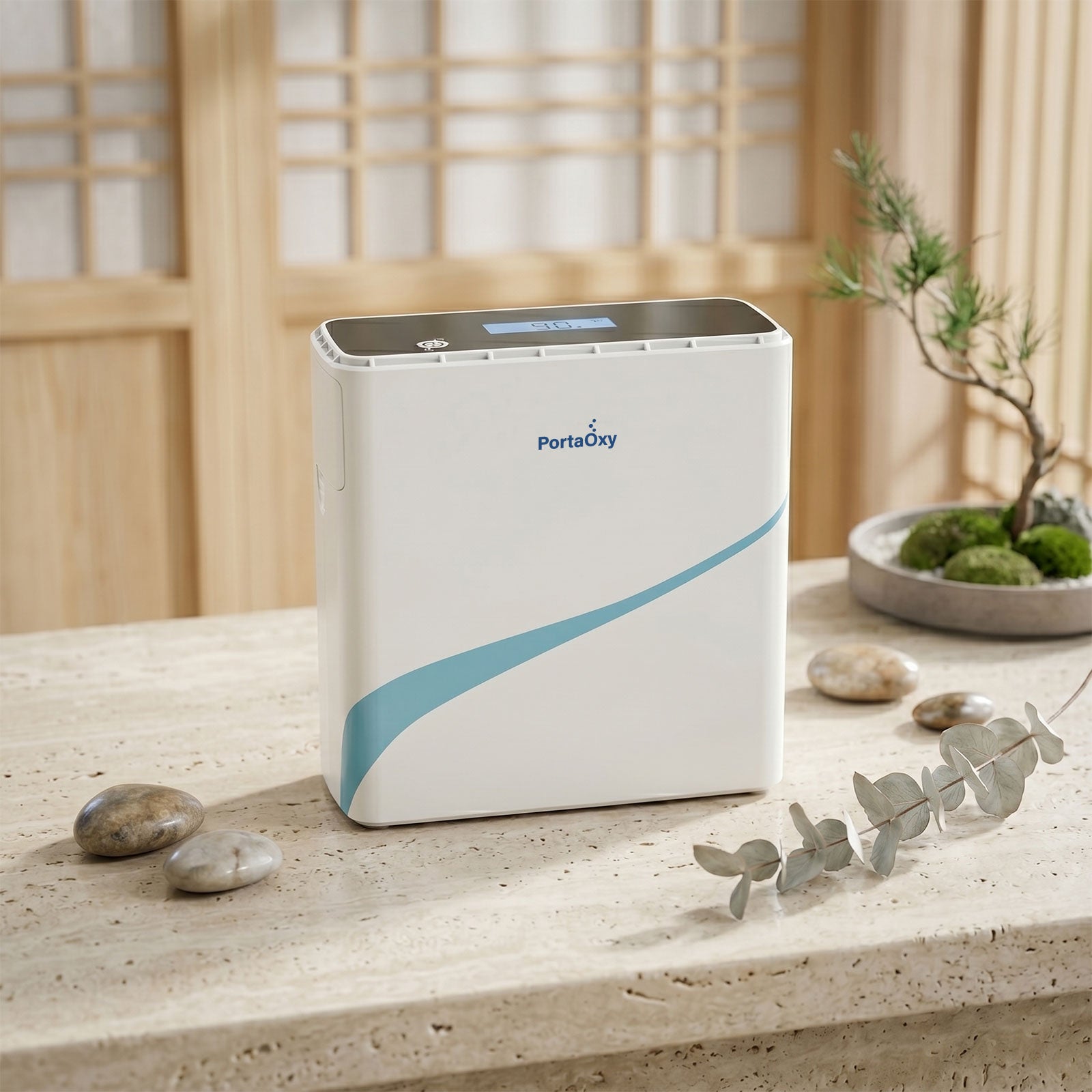
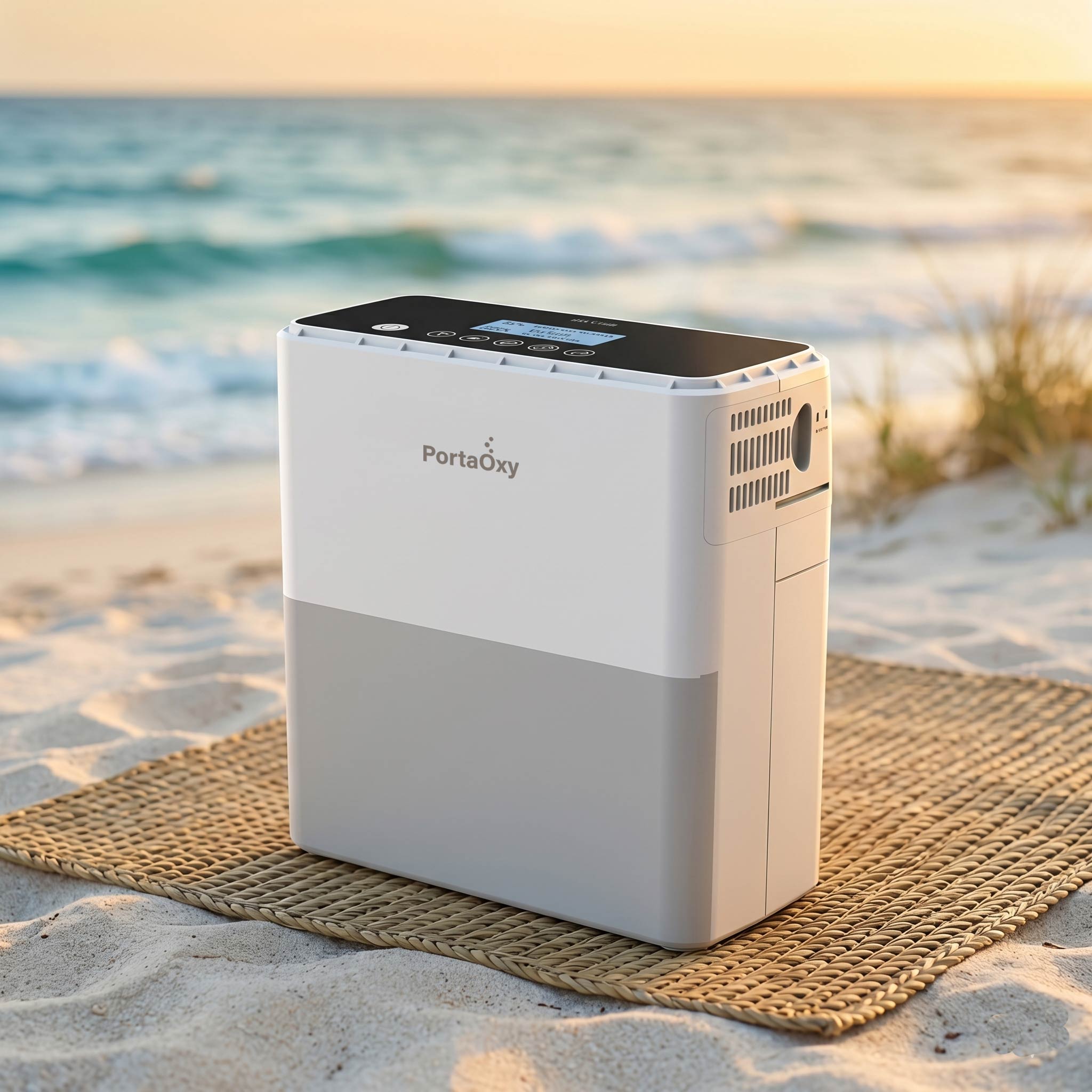


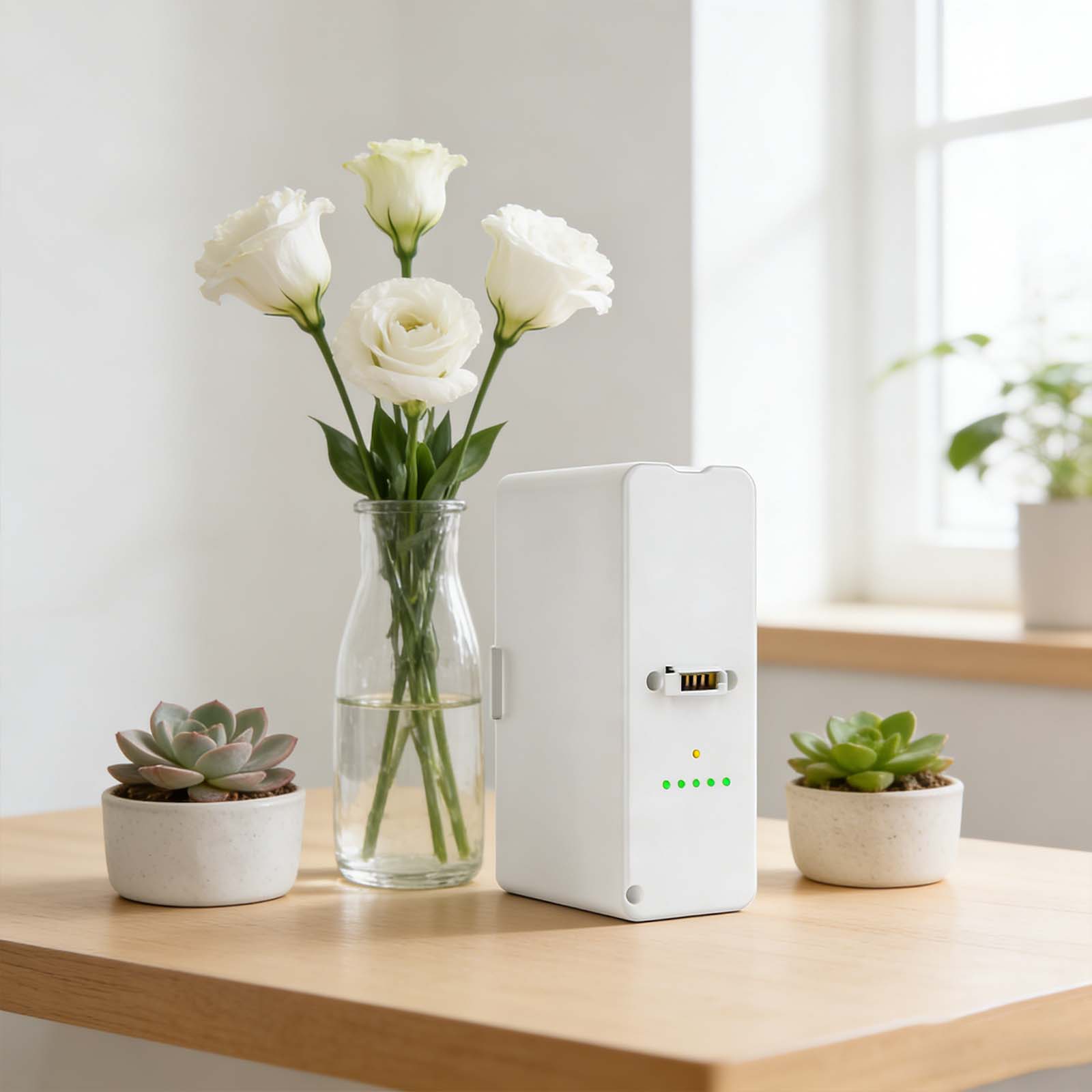
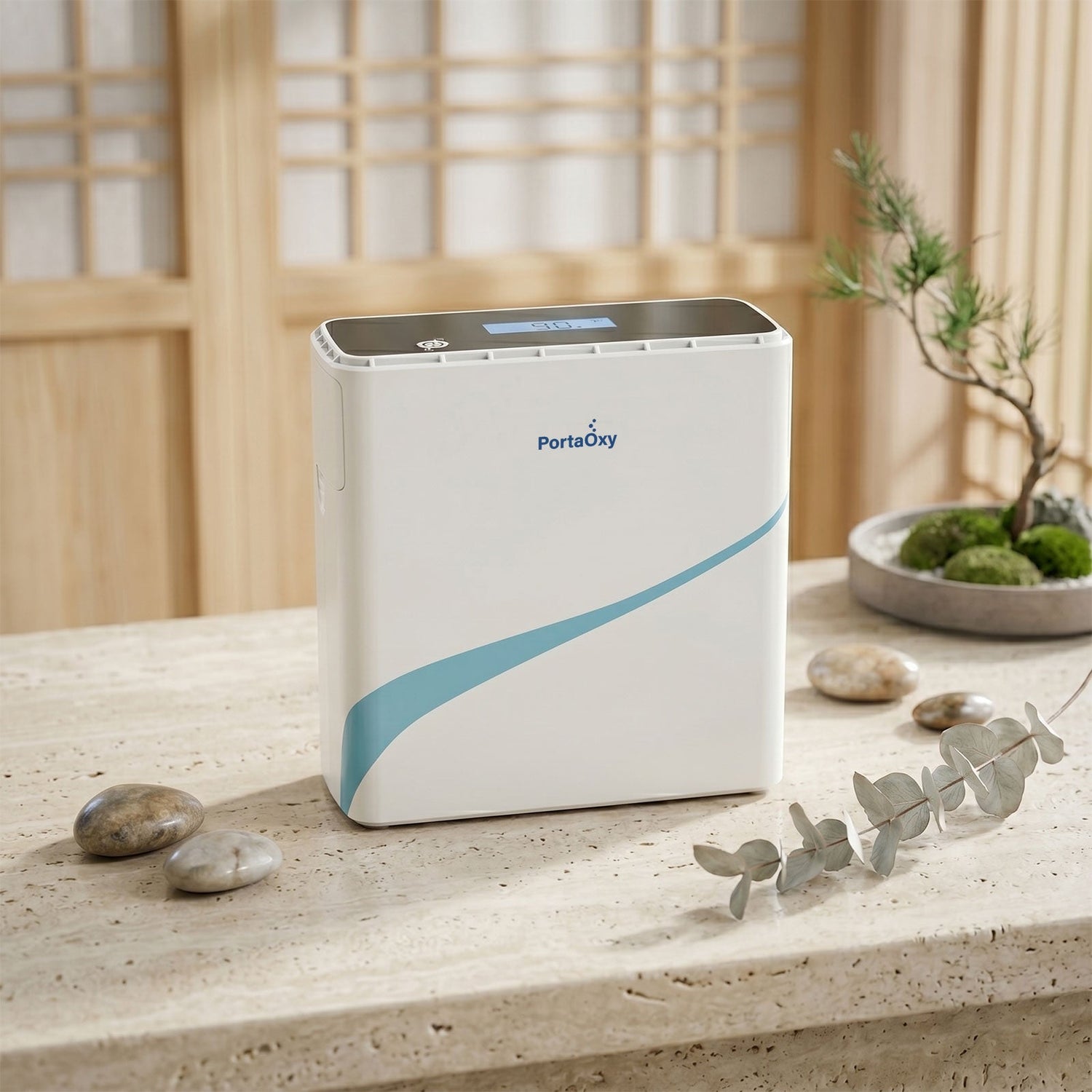
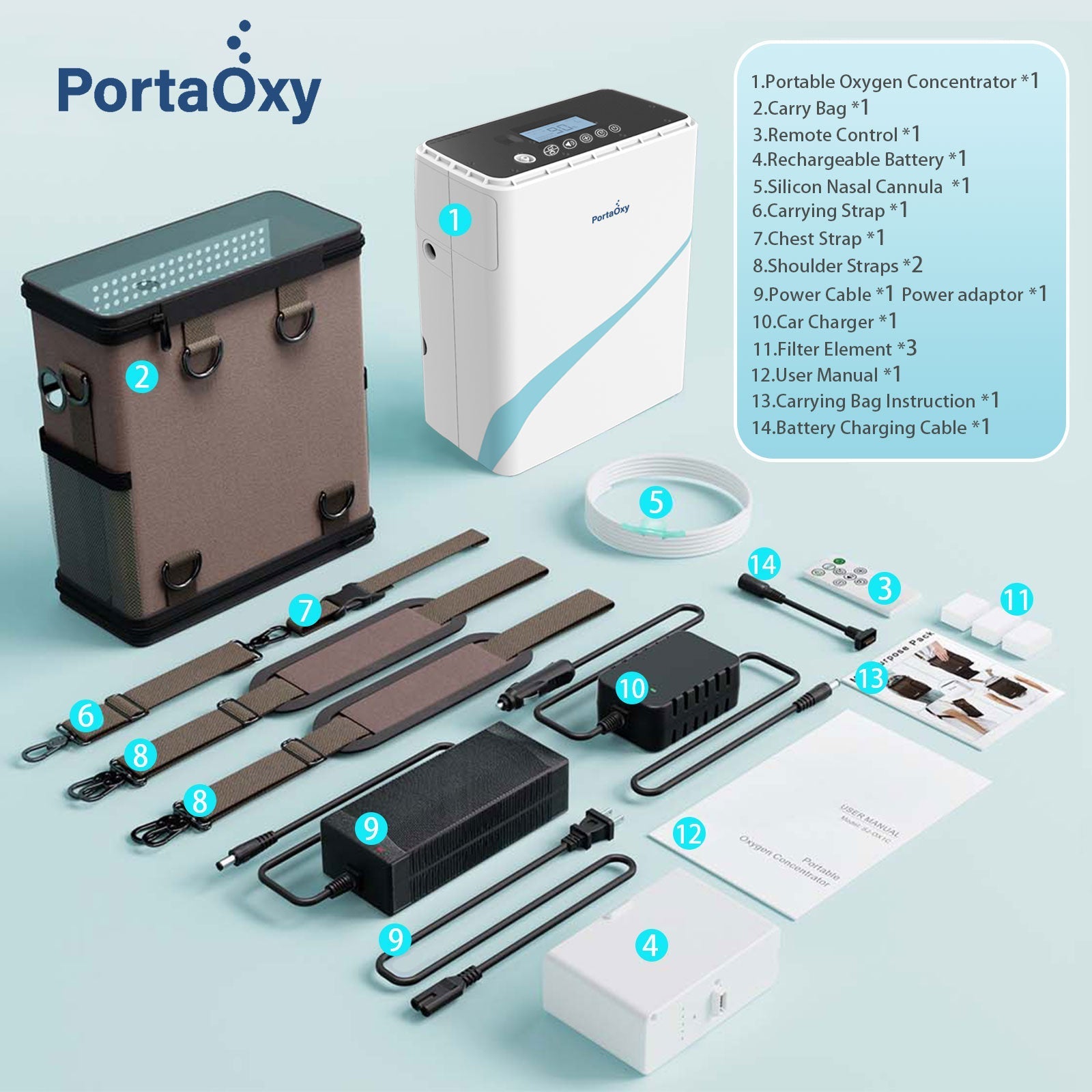
If you are using SJ-1600AC/AP or SJ-1300AC/AP portable oxygen machine, replacing basic accessories is something you can do at home. This guide explains exact steps for replacing the battery, molecular sieve, filter cotton, and nasal cannula—no technical background required.
Step-by-Step: How to Replace the Battery
When to replace:
If the machine no longer runs for the usual amount of time or does not power on after charging.
Steps:
-
Turn off the machine
Press the power button and make sure the unit is completely off. -
Unplug all cables
Remove the power adapter and any external connections. -
Locate the battery compartment
On the SJ-1600 or SJ-1300 serial machines, the battery is installed in the rear or side slot of the machine. -
Remove the old battery
Press the release button or slide the battery outward, then lift it out. -
Insert the new battery
Align the new battery with the slot and slide it in until you hear or feel a click. -
Power on and check
Turn the machine on and confirm the battery icon shows normal status.
⏱ Most users complete this in under 1 minute.

Step-by-Step: How to Replace the Molecular Sieve
When to replace:
After 12 months or more of regular use, especially if output feels lower than before.
⚠️ Always power off the machine before starting.
Steps:
-
Turn off and unplug the machine
Safety first—no power connected. -
Open the rear cover
Use your hand or a screwdriver (depending on version) to remove the back panel. -
Locate the molecular sieve module
It is usually a cylindrical or rectangular cartridge inside the unit. -
Disconnect the old sieve
Gently pull it out. Do not force it or twist aggressively. -
Insert the new molecular sieve
Place it in the same position and push firmly until it sits securely. -
Close the rear cover
Reinstall the panel and make sure it is fully locked. -
Restart the machine
Power on and allow the unit to run for a few minutes.
📊 According to product guidance, replacing the sieve after one year can restore normal performance levels.

Step-by-Step: How to Replace Filter Cotton
When to replace:
Every 1–3 months, depending on dust levels.
Steps:
- Turn off the machine
- Open the air inlet cover
- Remove the old filter cotton
- Insert a new, clean filter
- Close the cover securely
🕒 Takes less than 30 seconds.
Step-by-Step: How to Replace and Clean the Nasal Cannula
When to replace:
About once every month.
Cleaning steps (between replacements):
- Remove the cannula from the machine
- Wash with mild, neutral detergent
- Rinse thoroughly with clean water
- Air dry completely
- Do not expose to direct sunlight
Other Accessories
Other accessories are designed for long-term use and do not require regular replacement unless damaged.
Final Tip
Keeping your portable oxygen machine in good condition doesn’t require special skills—just follow these simple steps and replace parts on schedule. Using official PortaOxy replacement accessories ensures proper fit and easy installation.


Leave a comment
This site is protected by hCaptcha and the hCaptcha Privacy Policy and Terms of Service apply.